Controls & Handling in Grass Cutter: Blade Runner 3D
A practical, player-focused look at how Grass Cutter: Blade Runner 3D feels in your hands: touch input, responsiveness, guidance, and accessibility for relaxed mowing sessions.
Bladegrove is an independent review resource and is not affiliated with the developer or publisher of Grass Cutter: Blade Runner 3D. This page focuses exclusively on how the game handles moment-to-moment control, without ratings or scores.
If you would like to explore the full review first, you can head to the main editorial breakdown or return here later for fine-grain control insight.
Control snapshot
- Slide-to-steer, pick-up-and-play input
- Responsive mower tracking and feedback
- Helpful visual guidance across each field
- Casual-friendly forgiveness on small errors
Best suited to relaxed players who enjoy smooth, touch-driven navigation over twitch-heavy precision.
Intuitive Touch Controls
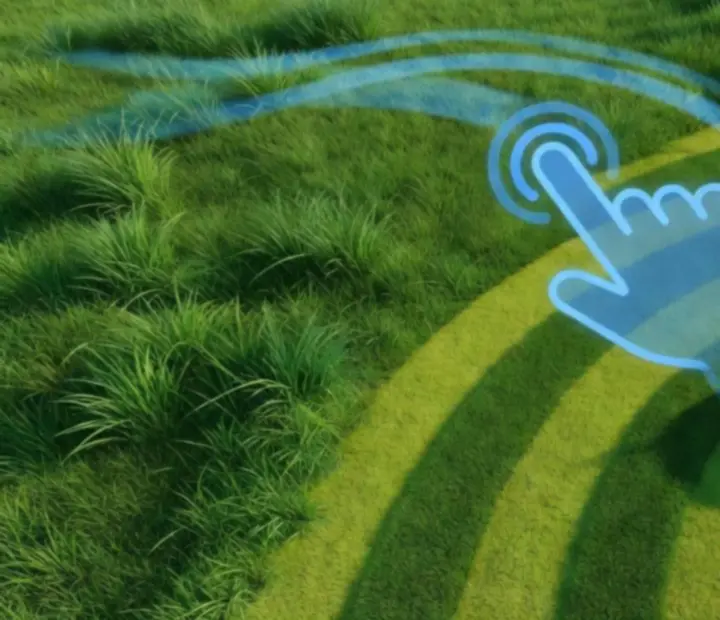
Grass Cutter: Blade Runner 3D uses a direct, slide-based control style. You place your finger on the screen and gently guide the mower along the grass, tracing arcs and turns as if you were walking behind a real cutting machine.
Slide-to-steer navigation
The primary interaction is simple: move your finger and the mower tracks the direction of your swipe. This keeps the control scheme accessible for a broad audience, from casual players who only dip in for a few minutes to more focused players who enjoy planning their cutting paths.
Because your finger acts as a continuous guide, you can shape long curves, weave between obstacles, or straighten your line to draw satisfying stripes through each field. The lack of complex button combinations or virtual sticks keeps the experience clean and inviting.
Responsiveness and Feedback
The mower in Grass Cutter: Blade Runner 3D reacts quickly to touch input, with movements that follow your finger in a way that feels natural rather than jittery. When you adjust direction, the mower tracks the new arc with minimal delay, allowing you to fine-tune your line mid-swipe.
This responsiveness works hand in hand with the game’s feedback. As you move, you see cut grass appear behind the mower and uncut patches waiting ahead, so each change in direction is immediately reflected in the field. Visual and haptic cues, when supported by your device settings, reinforce the sensation of the blade passing through dense lawn.
Visual guidance: following the path
The game leans heavily on visual clarity to help you understand where you have been and where you should go next. Arcing mower lines and subtle field guides trace out your route, giving you a quick read of coverage without cluttering the screen.
These guides effectively highlight the difference between untouched grass and neatly trimmed sections, making it more satisfying to complete full sweeps of each area. As the patterns emerge, you can decide whether to chase clean, parallel stripes or favour efficient coverage that clears stubborn corners first.
Handling Tight Corners and Odd Shapes
Not every lawn is a simple rectangle. Gardens, narrow paths, and unusual borders appear over time, challenging you to adapt your swipes without becoming frustrated.
Precision through gentle adjustments
The same slide-to-steer system that works for broad sweeps remains dependable in tighter spaces. Short, modest adjustments let you nudge the mower into hard-to-reach corners, while smooth curves help you track around circular beds or angled fences.
Skilled players will enjoy experimenting with different approaches to twisty gardens and narrow corridors, attempting to achieve full coverage without leaving stray blades behind. Because the core input is straightforward, the challenge comes from path planning rather than wrestling with the controls.
If your turn is slightly off, you can correct almost immediately, looping back for a quick pass rather than feeling locked into a mistake.
Accessibility and Visual Aids
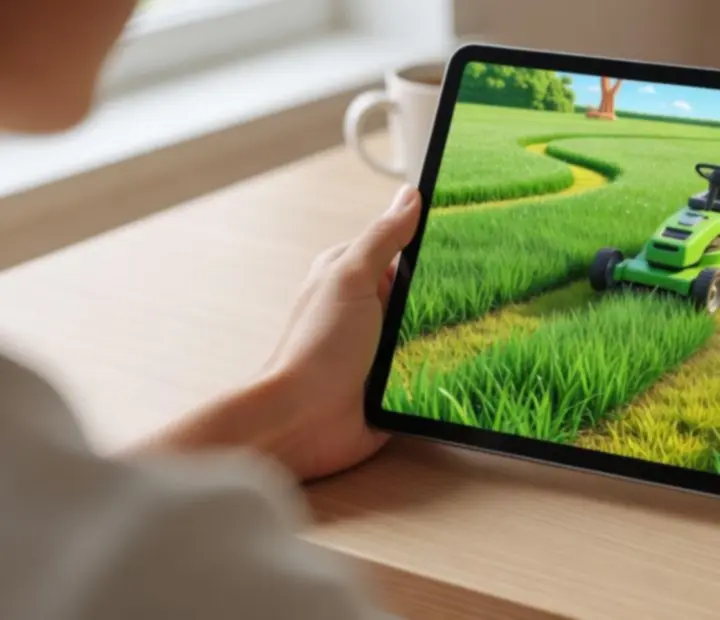
Grass Cutter: Blade Runner 3D places emphasis on visual clarity so that its fields are easy to read at a glance. Optional aids, such as stronger contrast between cut and uncut grass or more pronounced highlight effects, can make it easier for a wide range of players to track their progress.
These touches support the game’s casual focus. Rather than demanding constant high-intensity attention, the visuals gently guide your eye and make it clear when a patch still needs trimming. This is especially valuable on smaller screens, where subtle differences might otherwise be overlooked.
Learning curve: pick up and play
The control scheme is designed so that most players can understand the basics within moments. Place your finger, move in the direction you want to cut, and watch the field respond. There is no complex tutorial to decode before you can enjoy the core activity.
Over time, new field shapes, obstacles, or layout variations gradually encourage you to refine your pathing. This layered complexity allows you to build confidence in your control of the mower while keeping the initial barrier to entry very low.
Device Compatibility and Control Feel
The touch controls are tuned for smartphones and tablets, making Grass Cutter: Blade Runner 3D comfortable to play in portrait or landscape depending on your device orientation. Because the system relies on simple swipes rather than precise taps, screen size differences are less likely to undermine your experience.
Across a range of Android devices, the game aims to present a consistent feel: smooth camera following, responsive mower motion, and visual clarity that supports your chosen gestures. As long as your touchscreen responds reliably, the core mowing loop remains intact.
Dynamic camera and control synergy
The camera view tracks the mower’s movement, keeping your cutting path centred and readable. This helps you maintain awareness of the next patch of grass while still appreciating the area you have already trimmed.
Because camera motion is tied closely to the mower’s travel, you rarely need to wrestle with independent camera controls. Instead, your finger movement indirectly positions both mower and viewpoint, reinforcing the sensation of smooth, gliding progress across each field.
Mistake Recovery and Forgiveness
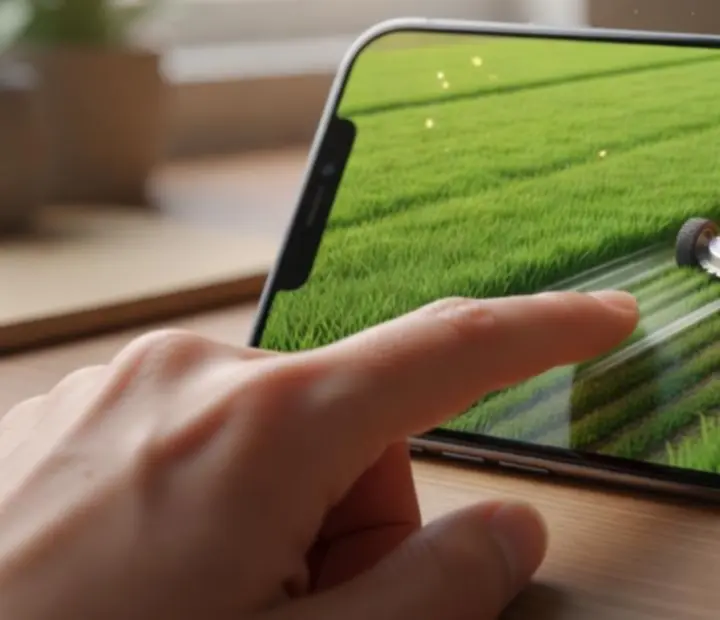
Because Grass Cutter: Blade Runner 3D leans into a relaxing, casual tone, it generally treats missteps with leniency. If a swipe pulls you slightly off your intended path, you can quickly loop back and correct the gap without heavy penalties.
This gentle forgiveness reinforces the game’s suitability for short, low-pressure sessions. You are encouraged to tidy up missed patches at your own pace rather than feeling punished for minor inaccuracies or momentary distractions.
Tips for smooth operation
To make the most of the control system, it helps to think like a real mower operator:
- Use steady, continuous contact rather than rapid taps, so the mower follows one coherent path.
- Favour broad, flowing gestures over jagged movements to keep lines smooth and coverage efficient.
- Plan gentle arcs around obstacles instead of last-second sharp turns, which can leave small patches behind.
- Occasionally zoom your attention out to spot isolated tufts of uncut grass before finishing a run.
These habits make the experience more soothing and help you lean into the visual satisfaction of turning messy fields into clean, patterned lawns.
Explore More About Grass Cutter: Blade Runner 3D
If the control style sounds appealing, you may want to see how it blends with progression, locations, and the broader mowing loop before committing time to the game.
 Dive into Gameplay Details
Bladegrove provides independent coverage only. All downloads and purchases are handled securely through Google Play.